

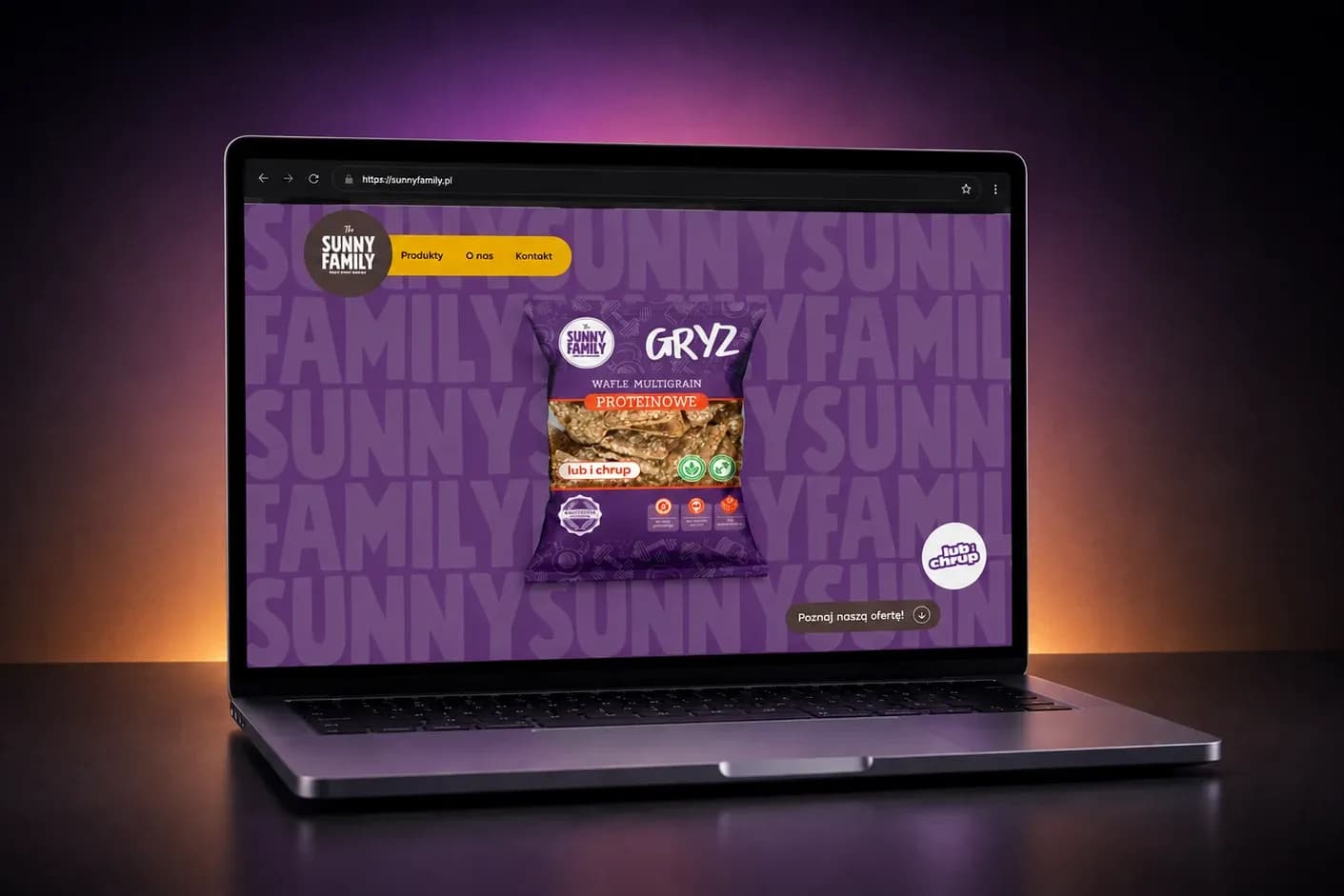
A Webflow product catalog – updated without technical help
Client: Sunny Family
Industry: Food Industry / FoodTech
We design product catalogs that help customers quickly find the right product, variant or parameter. From simple catalogs managed by the client's team to large databases with tens of thousands of records and ERP or PIM integration.
Companies that trusted us





















The basics
A product catalog is a structured presentation of your product range for companies that sell through sales reps, distributors or requests for quotes. It replaces the PDF that's out of date the day it's sent and the spreadsheet nobody wants to open on a phone.
It makes sense where customers need to find a specific product among many similar ones: wholesalers, parts manufacturers, companies with extensive technical specifications. The key is search and filtering by parameters, because B2B customers come with a specific dimension or part number. A catalog isn't a stripped-down store. It's a separate tool: it shows parameters and availability, and closes the sale with a request for quote, contact with a sales rep or a specification export. If you know from the start that you need online payment and order handling, you need an online store, not a catalog. If the problem lies in the data rather than the presentation — parameters and descriptions scattered between spreadsheets and supplier files — start with a PIM system. A catalog will show exactly what it's given.
Client: Sunny Family
Industry: Food Industry / FoodTech
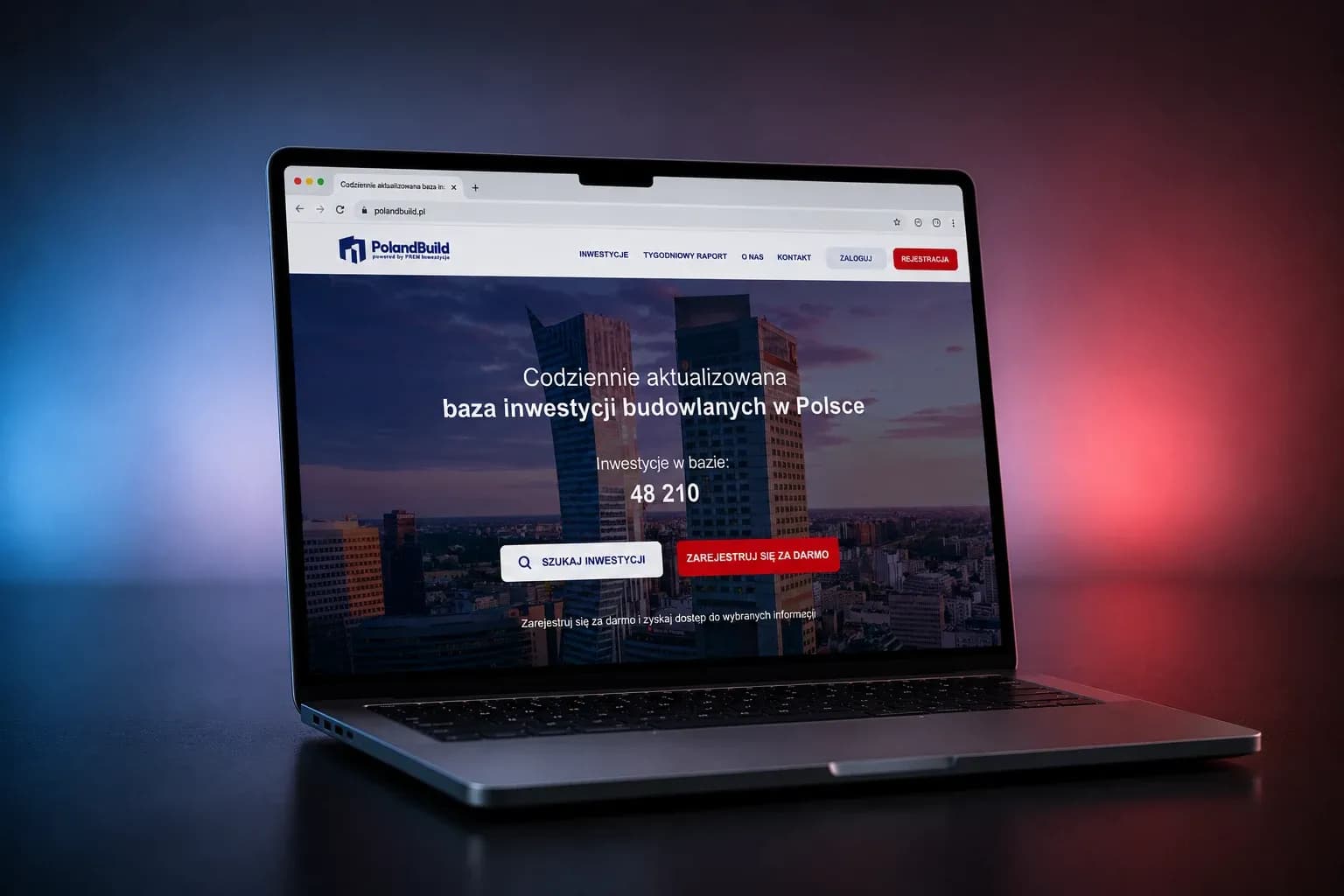
Client: PolandBuild
Industry: Construction / ConTech
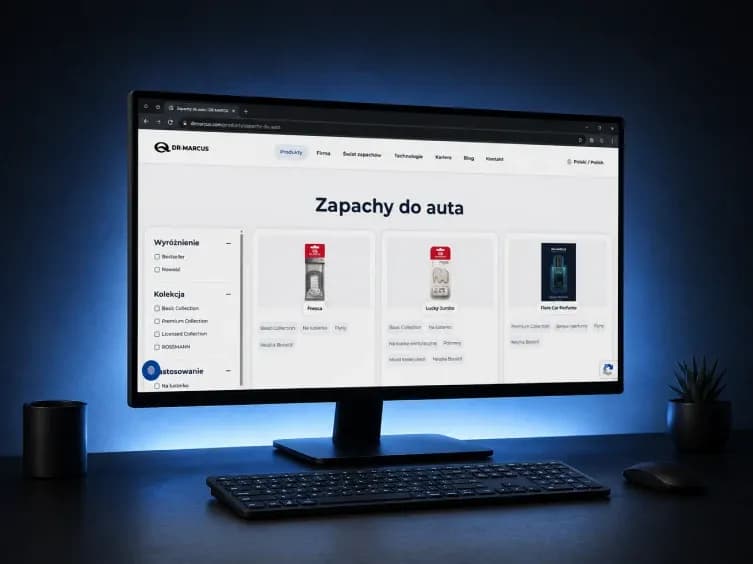
Client: Dr Marcus
Industry: Automotive / Mobility
„Boring Owl always looked for the best solution within our budget. The store is fast, our customers are happy — and so are we.”
Anonymous — Executive, Castellani
Review from Clutch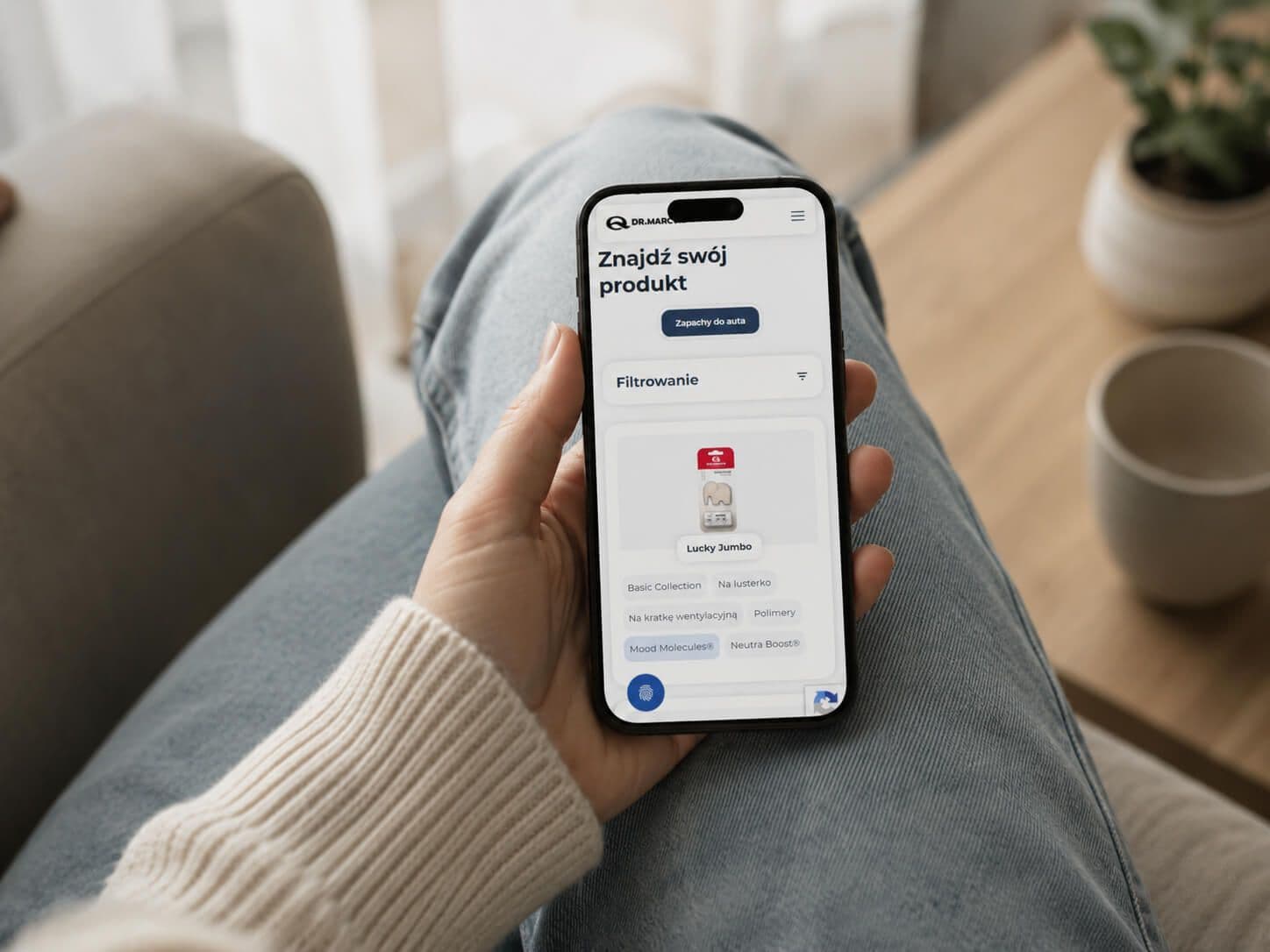
How we work
We start with structure: how do customers search? By category, by parameter, by part number or by application? Based on that, we design the category structure, filters and search. Then we connect data from the ERP, PIM, CMS or files and design the product pages. We also decide what users can do once they find the right item — send an inquiry, download a datasheet, contact a sales rep or add the product to a list.
On your side are the product data and the decision on which parameters can be filtered. On our side are the structure, search, integration and deployment.
Decisions
Filters. It's better to design a few filters based on complete data than a dozen or so that return incomplete results.
Prices. In a B2B catalog, they can be public, visible after logging in or completely hidden. It all depends on the sales model and the company's pricing policy.
What happens after the product is found. Every product page should clearly lead users on — to a request for quote, contact, documentation or a product list.
What not to do. Don't copy the structure of a PDF one to one; paper and search follow different rules. Don't hide availability if you know it. And don't add a cart without deciding on the whole sales process — at that point, it's a store.
Scope
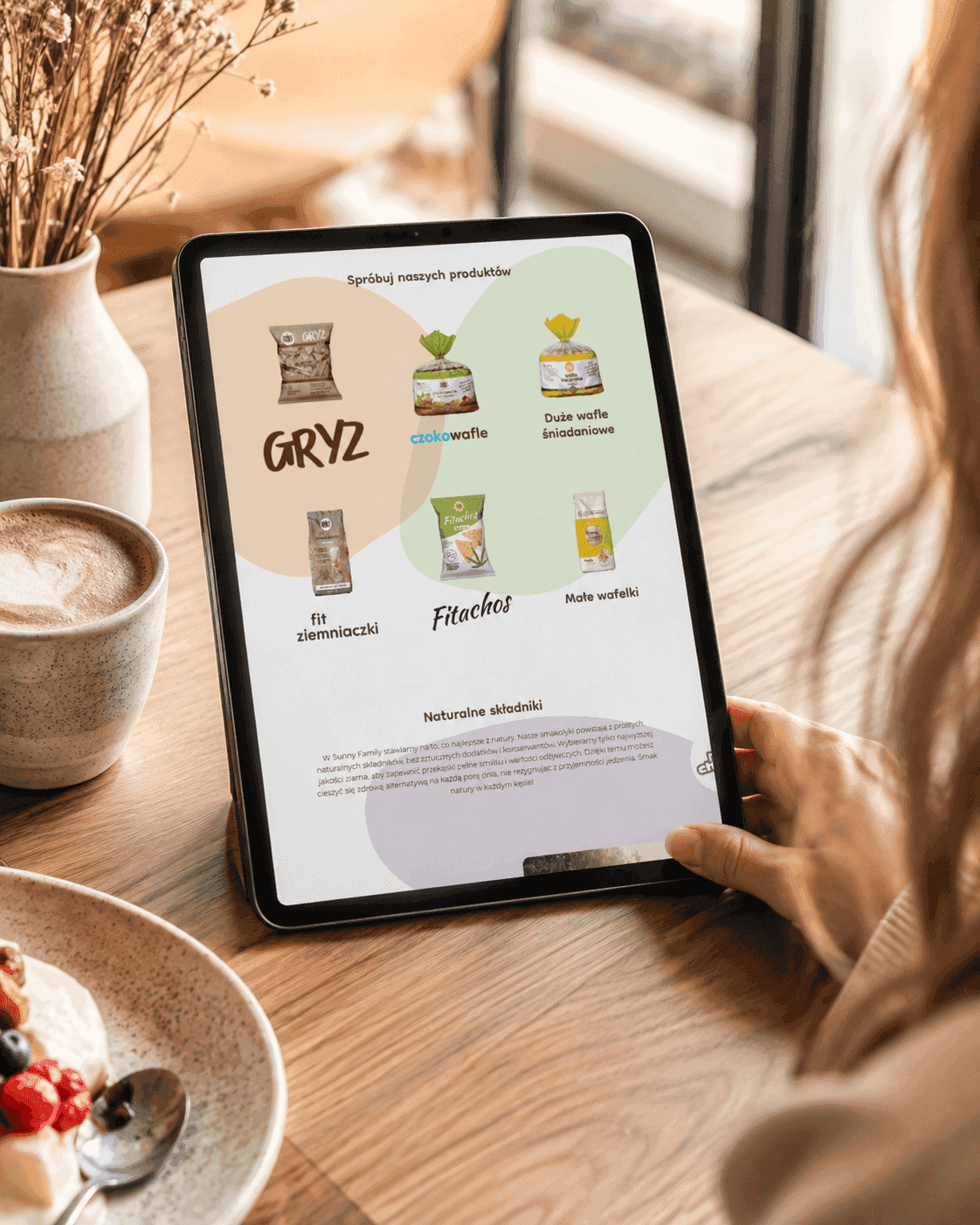
The scale and the way the catalog is updated determine the technology, not the other way around. The Sunny Family catalog runs on Webflow because the client's team was meant to manage it on its own, without technical help. The Dr Marcus catalog was built on Strapi CMS because the international brand needed control over the structure and language versions. PolandBuild's database of 40,000 construction projects required its own search engine, a subscription model and a level of performance that off-the-shelf tools can't provide.
B2B sales add a layer you can't see from the outside: prices visible only after logging in, price lists and discounts assigned to each customer, company accounts with multiple users, a request for quote instead of a cart, exporting specifications to a file and repeating a previous order with one click.
Data structure
An effective catalog starts with well-planned categories, attributes and product variants. We design them so that users can narrow down results quickly and the team can manage the offer easily. At PolandBuild, filters by location, stage and project size were key. Their logic shaped the data structure of the entire catalog.
From the start, we also plan data import and updates — from the ERP, PIM, CMS or spreadsheets — along with mechanisms that reduce errors and duplicates.Visibility
Every product page is a potential entry point from Google: structured data, descriptions written for real search queries, correct pagination and canonical tags for variants. In large catalogs, this is the main source of traffic — tens of thousands of product pages support the visibility of the whole site, as long as they're technically clean. At the same time, the catalog can support sales: showing prices after login, customer-specific price lists, technical documentation, product lists for quote requests or data export to PDF.
Analyzing internal searches also shows what customers are looking for and not finding. That's valuable information for both the sales team and the people managing the product range.
We design and build custom web applications - from an MVP that lets you quickly validate an idea to large platforms and systems developed over years. We build both the front end and the backend, APIs, databases, admin panels and integrations with external systems. We work with Next.js, React, Node.js, NestJS, Python, PostgreSQL and MongoDB, among others. We create solutions tailored to a specific business process: SaaS applications, internal systems, sales platforms, websites, marketplaces and CMS systems.
Learn moreWe help increase website visibility in Google and in AI-generated answers. We combine technical SEO, content optimization and work on the site structure. We start with an audit and turn the most important recommendations into concrete changes in the code.
Learn moreWe design UX/UI for web and mobile applications and B2B systems - from analyzing user needs and early wireframes to the finished interface and a design system in Figma. We don't design screens in isolation from the product. We look at user journeys, analytics data and technical constraints to create a solution that's easy to use and can be built efficiently. After the product launches, we can come back to heatmaps, session recordings, analytics and user interviews, so that the next changes are driven by data, not assumptions.
Learn moreFAQ