
























Chatbot
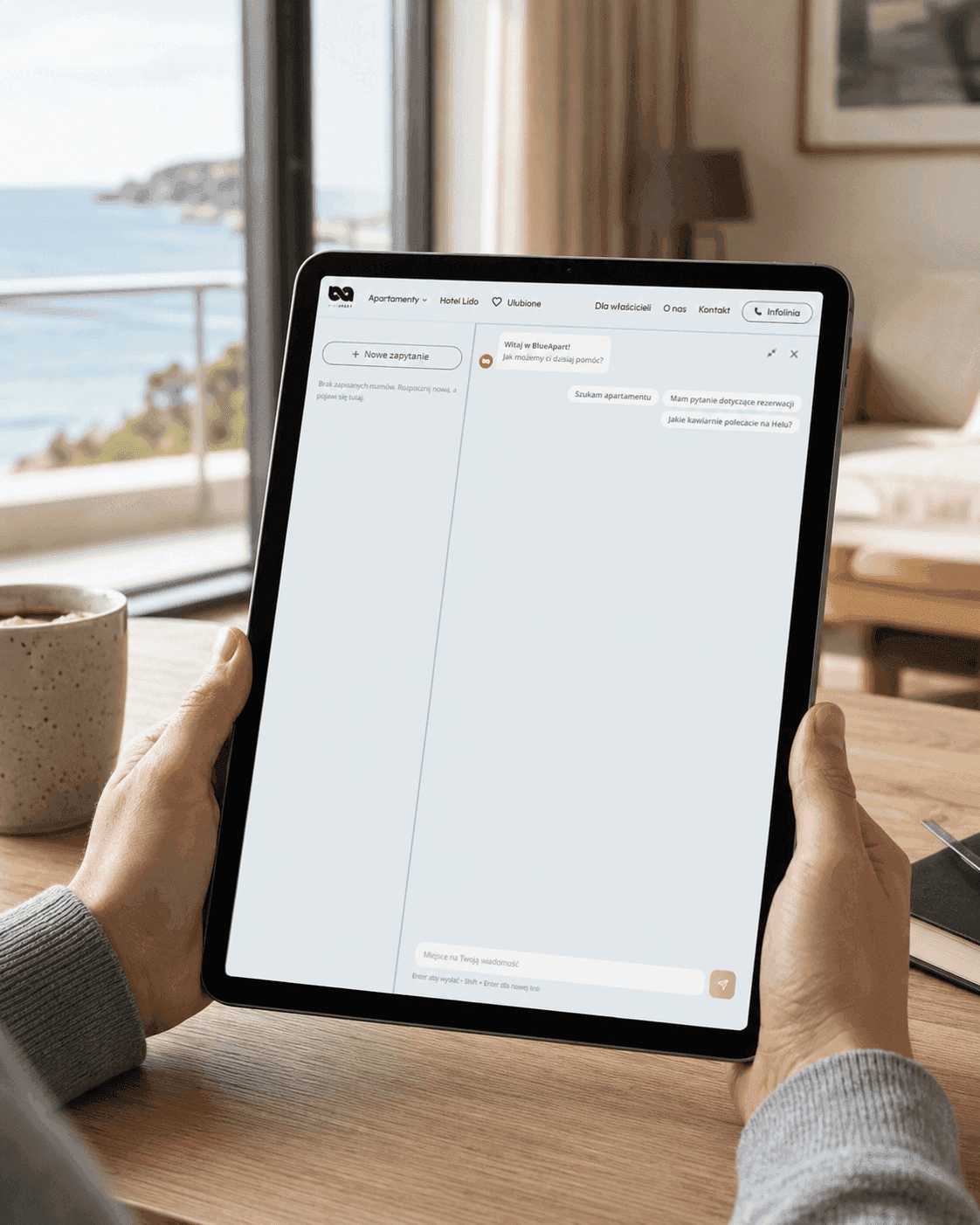
We design and implement AI chatbots that answer customer questions, draw on your company's knowledge and take concrete actions — from checking availability to making bookings or passing data to your CRM. We integrate chatbots with your company's systems and make sure they know when to answer and when to hand the conversation over to a person.
Companies that trusted us
The basics
When does an AI chatbot work well for a business?
A chatbot works best where similar questions or processes come up again and again. It can answer questions about your offer, check order status, help book an appointment or explain the returns policy — even outside your team's working hours. But not every conversation is worth automating. Unusual cases that require an individual decision or human contact should be passed quickly to the right person.
Depending on your needs, a chatbot can follow set rules or use a language model and your company's knowledge base. Often the best solution is a combination of both.
See the chatbots we delivered for clients
„A key result was to increase marketing operation efficiency due to automated scheduling and budget management, which leads to better resource allocation for creative development. They are very familiar with the technologies in which they work, and can give good advice on these issues.”
Michał Słotwiński — Head of Customer Success, Semcore
Review from Clutch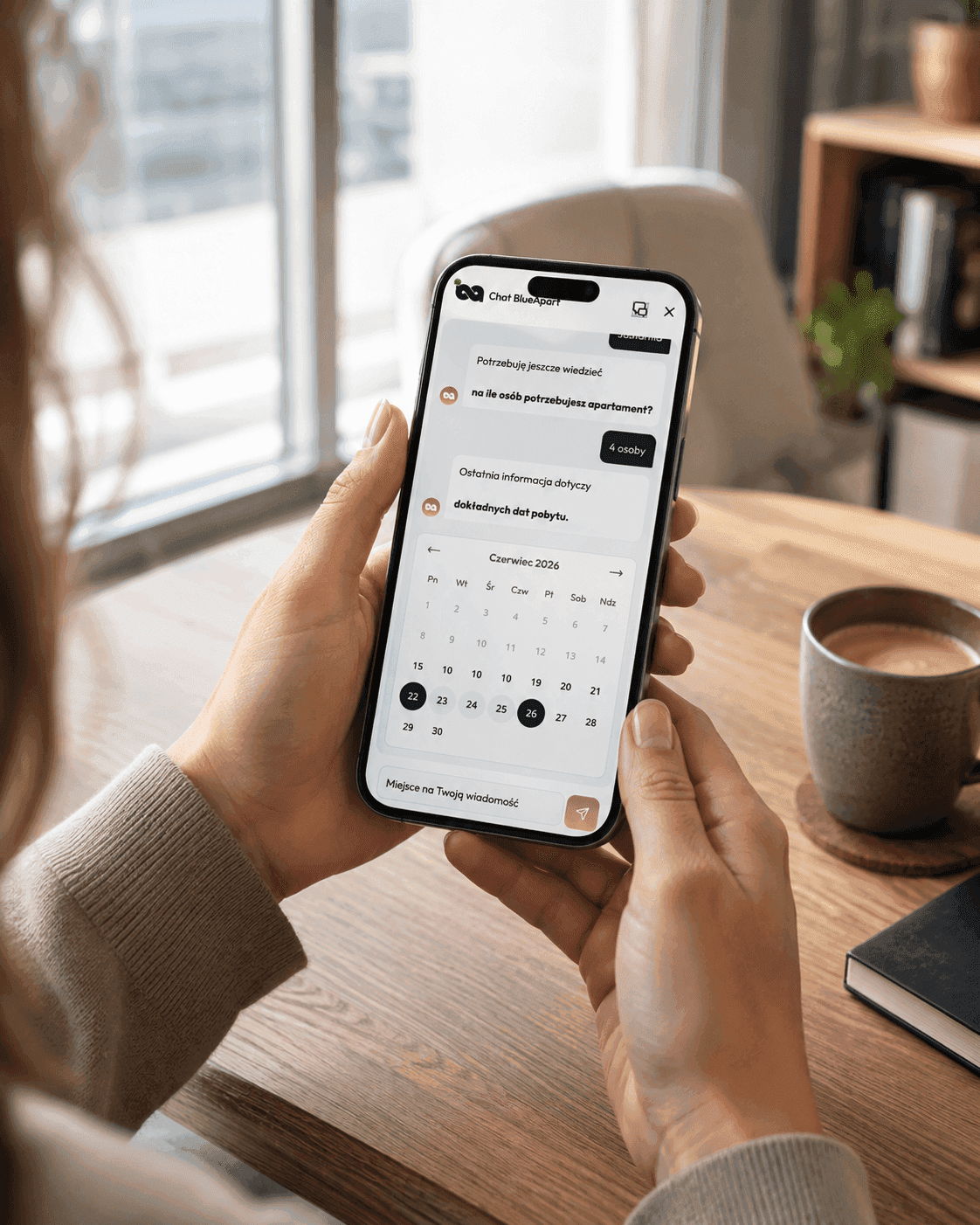
How we work
How we implement a chatbot and where it gets its knowledge
We start with the data you already have: conversation history, the most common questions, website content. From that comes a list of topics the bot actually needs to handle — usually shorter than you'd expect, because a dozen or so topics cover most of the traffic. Then comes configuration or development, connecting to data sources (order status from your system, availability from the calendar) and — most importantly — preparing the handover to a person. The bot has to know when it doesn't know, and pass on the conversation along with its history, not make the customer start over.
On your side are access to conversation history, approval of the scope of answers and someone to take over conversations. On our side are configuration, integrations and fine-tuning after launch.
The timeline depends on the number of integrations. A bot answering from a knowledge base is quick to build; a bot that checks the status of a specific order needs a connection to your system, and that's usually the longest part.
Decisions
Decisions that separate a helpful bot from an annoying one
When the bot hands over the conversation. Set a threshold and keep it low. Two failed attempts to understand is the moment for a person, not the fifth. This one decision has the biggest impact on how the bot is perceived.
Which questions it does NOT answer. Individual pricing, delivery dates, legal matters — if an answer could commit the company to something, it's safer to pass it to a person than to guess. With bots based on a language model, this is a line that has to be drawn explicitly.
Where it should be available. Website, WhatsApp, Messenger — each channel comes with different expectations for response time and different formal requirements. One channel done well is better than three done half-heartedly.
What not to do. Don't hide the fact that it's a bot. Don't block the way to a person. And don't launch without reviewing conversations in the first few weeks — only they show what people really ask about.
Scope
Three types of chatbots we build
- Customer service bot. Answers questions about products, orders, delivery and procedures — based on your documentation, not the model's general knowledge.
- Sales bot. Qualifies the inquiry, collects the details and closes whatever can be closed: a booking, a request for quote, a scheduled call. It works when it's connected to a system where something actually happens — a calendar, a booking system, a CRM.
- Knowledge assistant for employees. Procedures, documentation, onboarding — the questions that come back every week to the same person in every company. Here, permissions are key: the bot sees exactly what the person asking can see, and nothing more.
We launch them on websites, Messenger and WhatsApp, and internal assistants where the team already works — in Slack or Teams.
Knowledge and integrations
RAG and a knowledge base — answers based on your company's data
A chatbot can draw on your company's up-to-date knowledge: documents, FAQs, price lists, terms and conditions or product information. With RAG technology, answers are generated from specified sources instead of relying only on the AI model's general knowledge. Integrations take it a step further. The chatbot can, for example, check availability, retrieve an order status, create a ticket in the CRM, book an appointment or send a confirmation email.
We tailor the scope of data access and how data is processed to the requirements of each project.
Quality control
A safe AI chatbot with measurable results
After launch, we check how the chatbot handles real conversations. We analyze answer accuracy, the number of issues resolved without an agent and the situations that require handing over the conversation. We also define topics the chatbot shouldn't answer and test unusual scenarios. This keeps the solution helpful, predictable and within its agreed scope.
We also keep AI model costs under control, choosing a solution that matches the number of conversations and how complex the queries are.
FAQ
Questions we hear before implementing a chatbot
- An AI chatbot is a solution that holds a conversation with a user in natural language. It can answer questions, draw on the company's knowledge base, collect information and carry out specific actions in integrated systems.
- A chatbot can automate customer service, answer questions about products and services, help users choose a product, handle bookings, check order status and collect leads. It can also work internally as a knowledge assistant for employees.
- The cost depends mainly on the scope and the number of integrations. A chatbot drawing on a ready-made knowledge base is simpler to build than one connected to a CRM, ERP, booking system or other company tools.
- The timeline depends on the project scope, how ready the knowledge base is and the number of integrations. A simple chatbot that answers based on existing materials can be deployed faster than one that performs additional operations in external applications.
- Yes. A chatbot can be integrated with a CRM, ERP, booking system, online store, calendar and internal databases, among others. This means it doesn't just answer questions — it can also carry out specific actions.
- In that case the chatbot should clearly let the user know that human help is needed and hand the conversation over to the right person. The inquiry can also be logged with the conversation history.
- Usually that's not its purpose. A chatbot takes over repetitive questions and simple processes, freeing the team to focus on matters that require experience, judgment or a personal approach.
- Before implementation we establish what data can reach the model at all, what gets masked and how long conversations are stored. The bot runs on a chosen model and infrastructure — if the requirements are stricter (for example, data cannot leave the EU), we select both accordingly.